
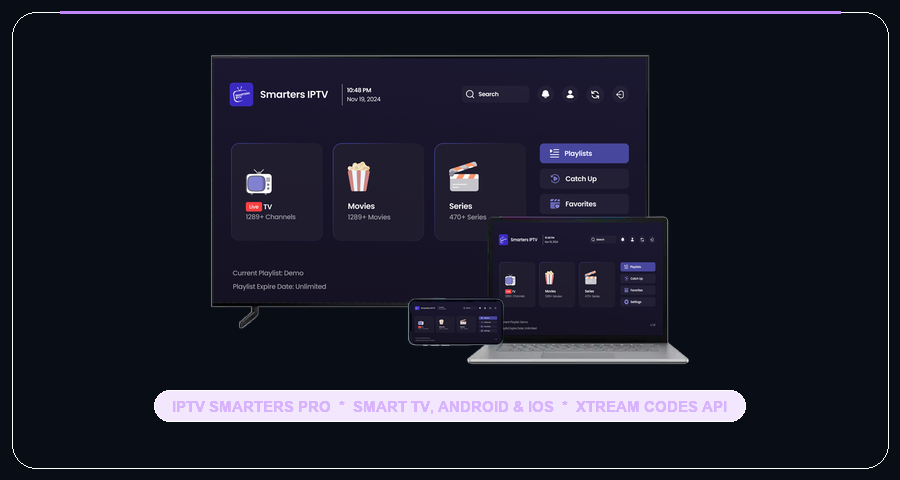
IPTV Smarters Pro is one of the most versatile and widely-downloaded applications for iptv smarters pro israel streaming, offering cross-platform support across Apple iOS, Apple TV, Android TV, Amazon Firestick, Windows, and Mac.
Step-by-Step IPTV Smarters Pro Israel Setup
The application features a clean user interface that separates Live TV, Movies, and Series into distinct dashboards. You can learn more about official app builds directly on the official IPTV Smarters website.
How to Login Using Xtream Codes API
- Download and install IPTV Smarters Pro (or Smarters Player Lite on iOS App Store).
- Open the app and select Login with Xtream Codes API.
- Fill in the login fields:
- Any Name: IsraelStream
- Username: Your subscription username
- Password: Your subscription password
- Server URL: The server link provided via WhatsApp
- Click Add User. The app will sync your Israeli channels and on-demand movies.
Optimizing Video Player & Hebrew Subtitles
Go to Settings → Player Selection and set the default player to VLC or Hardware. For Hebrew subtitles on international movies, ensure subtitle encoding is set to UTF-8 in the player options.
Why Use IPTV Smarters Pro with IsraelStream?
For users who watch across multiple devices (such as an iPhone on the go and an Apple TV or Firestick in the living room), iptv smarters pro israel maintains an identical, intuitive interface that everyone in the family can use with ease.
Get your subscription on our pricing page, explore our full channels list, or compare other apps in our setup directory.